
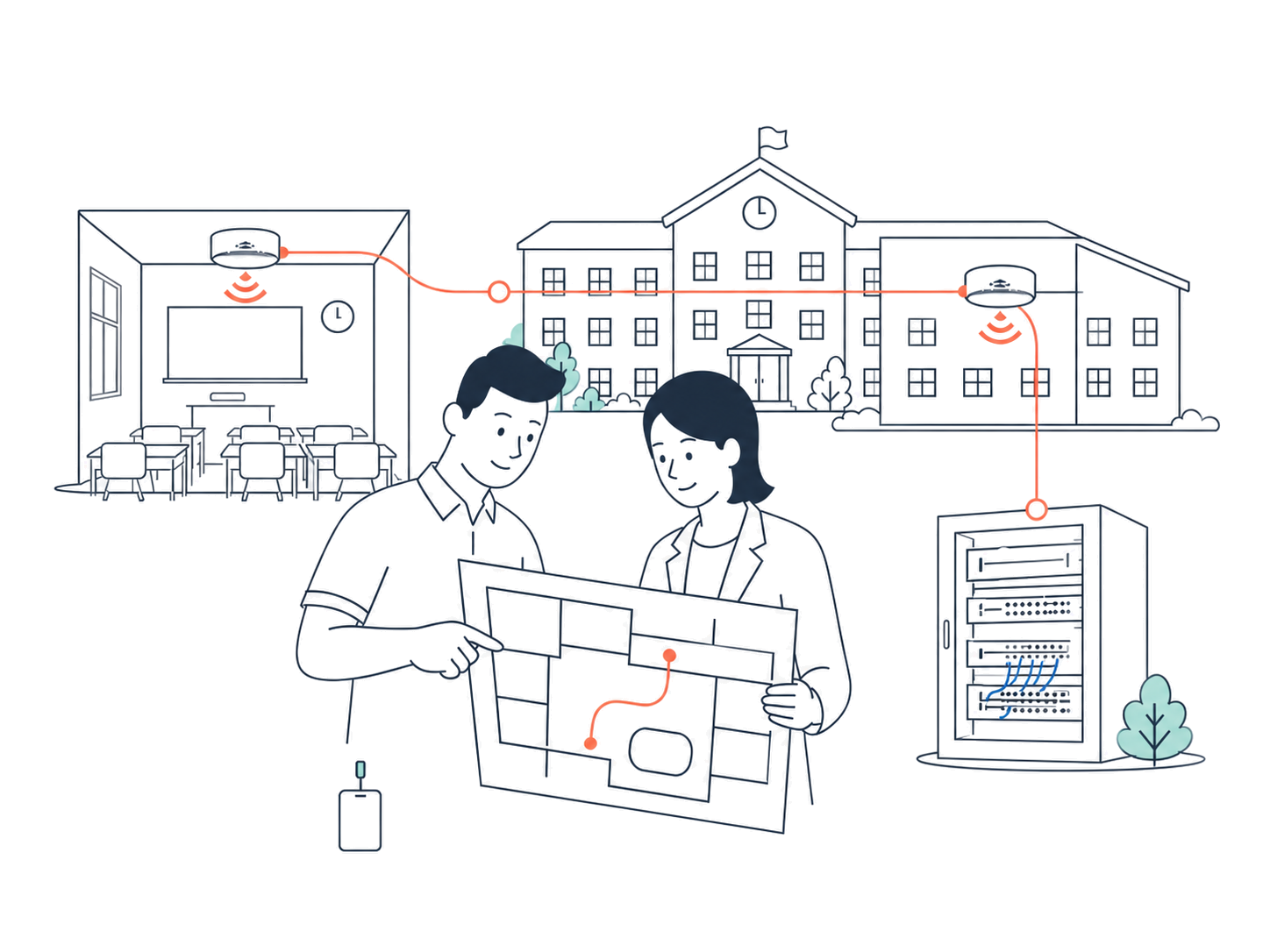
AlphGa School IT Services
Turn your chosen teaching tools into working classroom solutions.
AlphGa helps Hong Kong schools deploy teaching tools, upgrade campus networks, and prepare technical specifications and tender documentation.
When a “Smart Learning & Teaching” project moves into implementation, classroom equipment, usage arrangements, and acceptance requirements all need to be aligned.
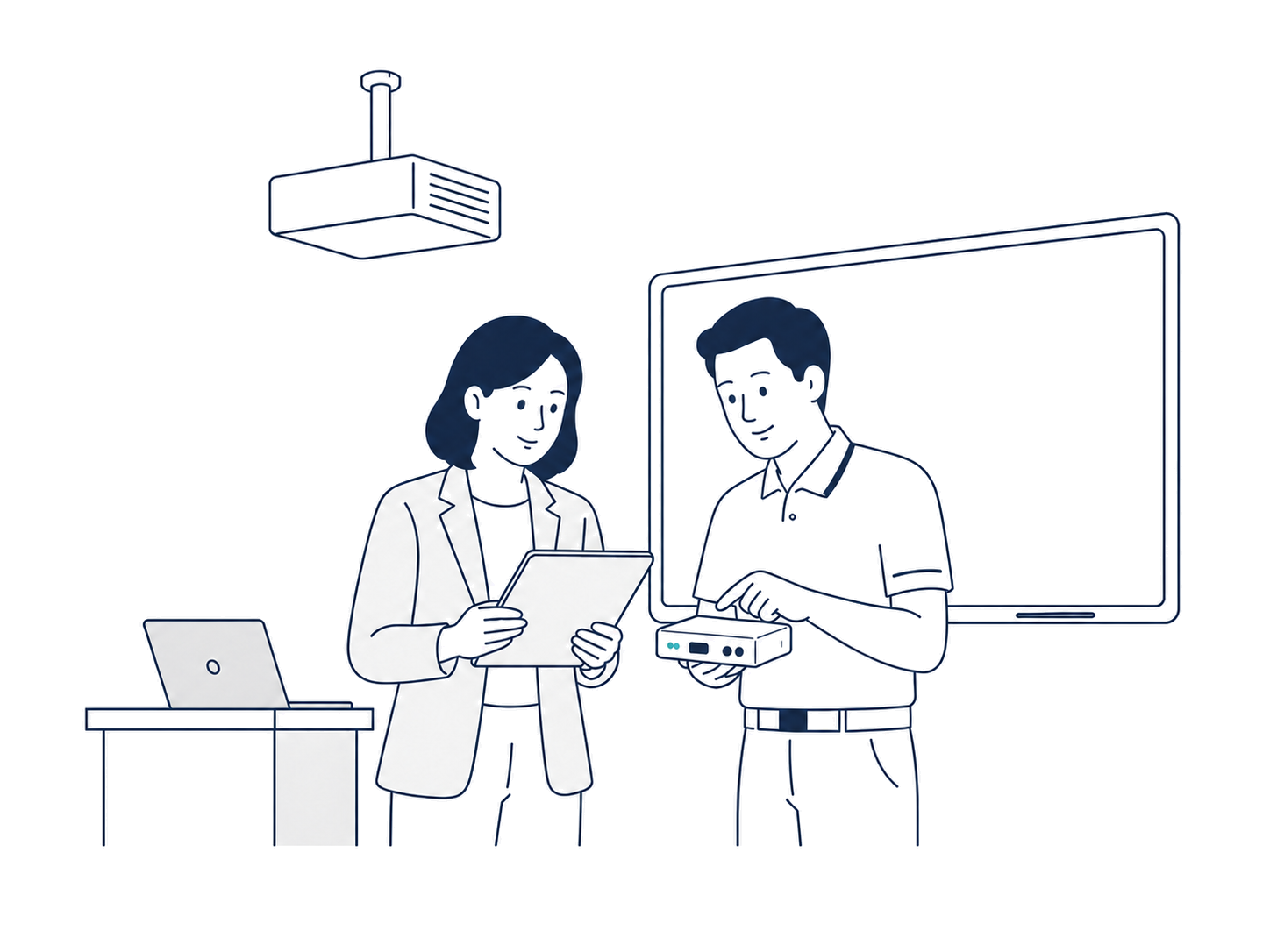
“SMART” LEARNING & TEACHING / SOLUTION DEPLOYMENT
Install it in the classroom, test it with school staff, then hand it over.
We install the selected teaching tools and classroom equipment, complete basic configuration and functional testing, and let designated school staff try the key functions before handover.
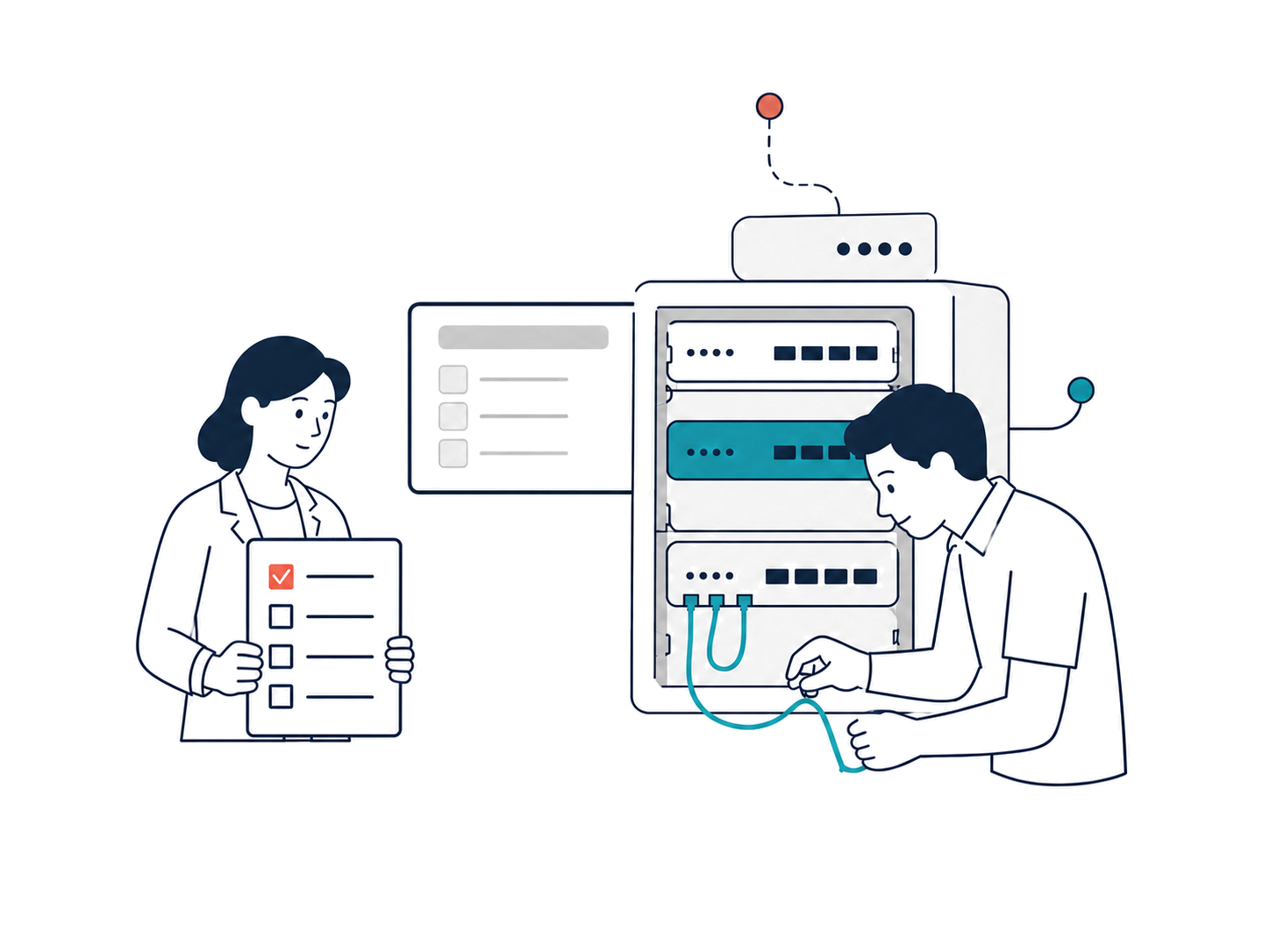
Smart Campus Networking for Hong Kong K–12 Schools
Upgrade Your Campus Network for the Future of Learning
Powered by Wi-Fi 7 and an AI-driven management platform, the solution supports 1:1 devices, online assessments and AI-enabled learning, delivering a stable, easy-to-manage and scalable network for K–12 schools.
SCHOOL IT SUPPORT
Everyday account, software and device issues? AlphGa can help.
For account sign-ins, software installation, device faults or general network issues, ask about phone, remote or on-site support.
Who handles what—the school or AlphGa?
The school provides project information and on-site coordination; AlphGa handles installation and testing.
AlphGa’s Responsibilities
- Define the work items and timeline based on the teaching-tool or network information provided by the school.
- Complete the agreed installation, configuration and testing.
- Report test results and any outstanding items to the school.
School Responsibilities
- Provide details of the current solution, equipment, site or network.
- Appoint a school contact and provide access windows and any required permissions.
- Have designated staff test the relevant functions and report the results.
CAMPUS NETWORK CASE STUDY
An on-site record of a campus Wi-Fi improvement project
The photos below were taken on site, showing the outdoor areas that needed coverage and the network equipment in use at the time.
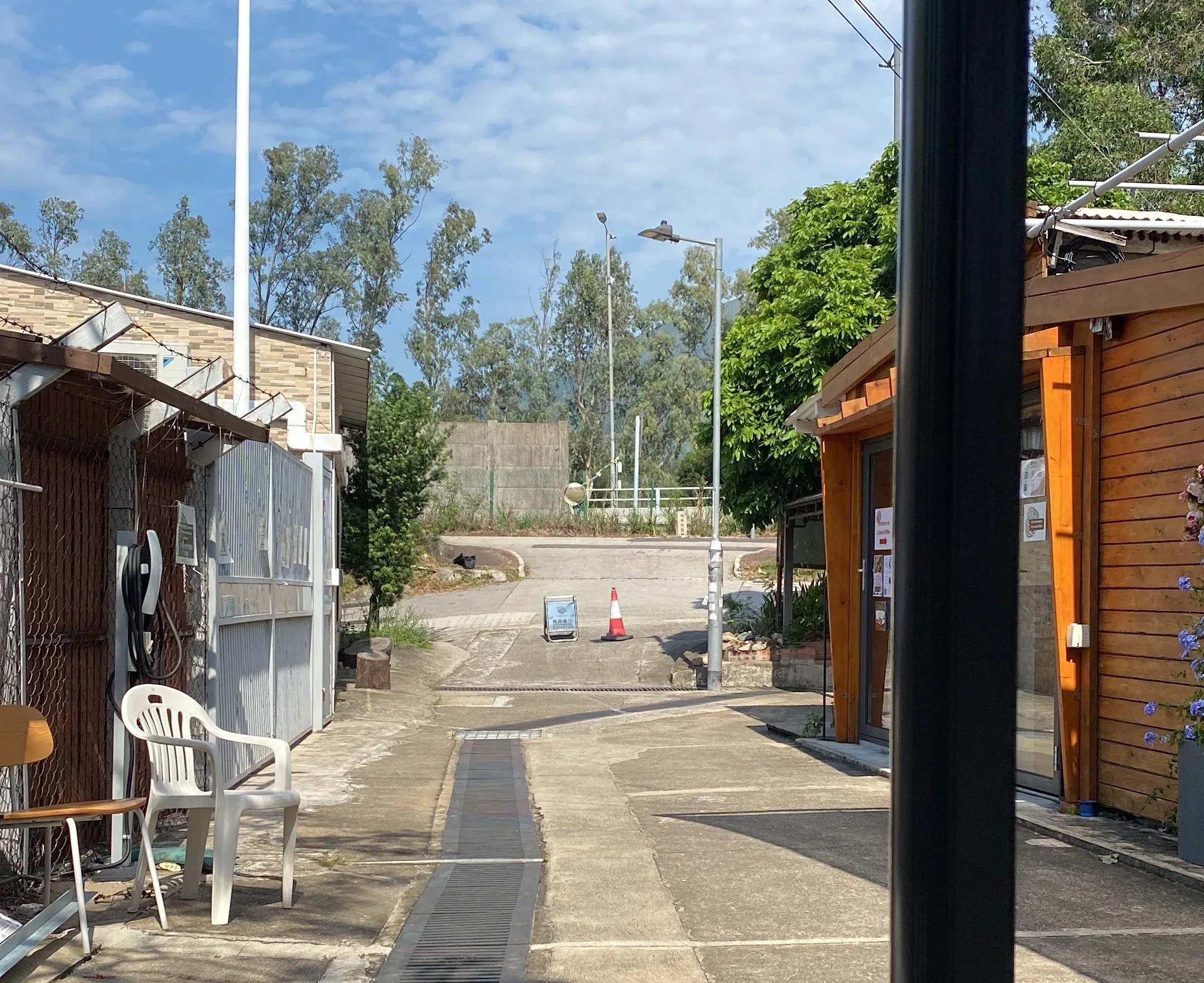
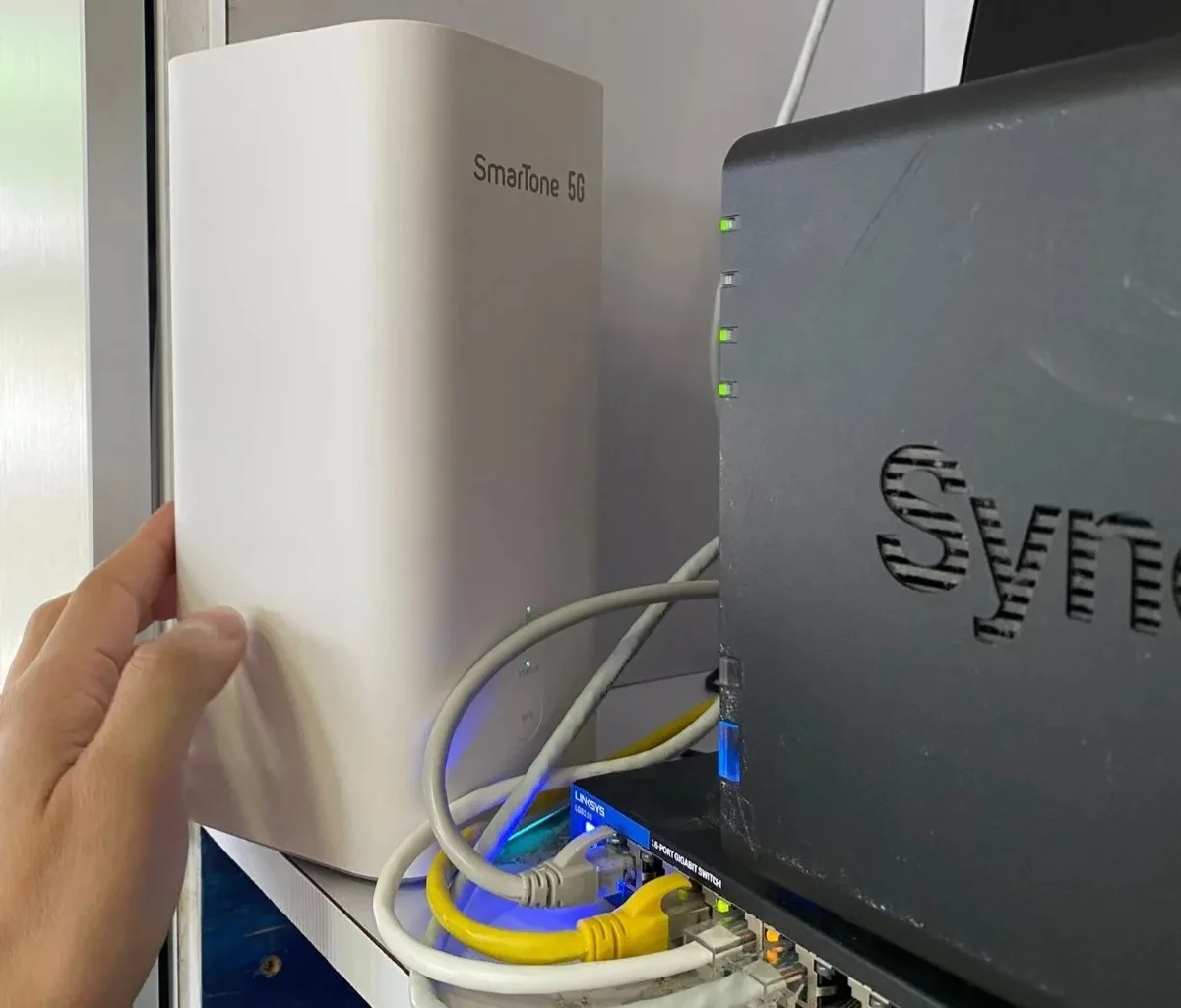
Improving peak-time connectivity, Wi-Fi stability and coverage
During peak periods, the school experienced slower speeds and dropped connections. Wi-Fi coverage was also weak in parts of classrooms, outdoor areas and more distant buildings, affecting online teaching resources and day-to-day use.
The team assessed 5G signal strength, the existing consumer mesh routers and connectivity across different locations, then recommended enterprise-grade mesh Wi-Fi access points to cover multiple rooms and floors.
Project records show improved connectivity and campus coverage after the upgrade, with smoother online teaching and day-to-day administrative use.
How does a project get started?
01
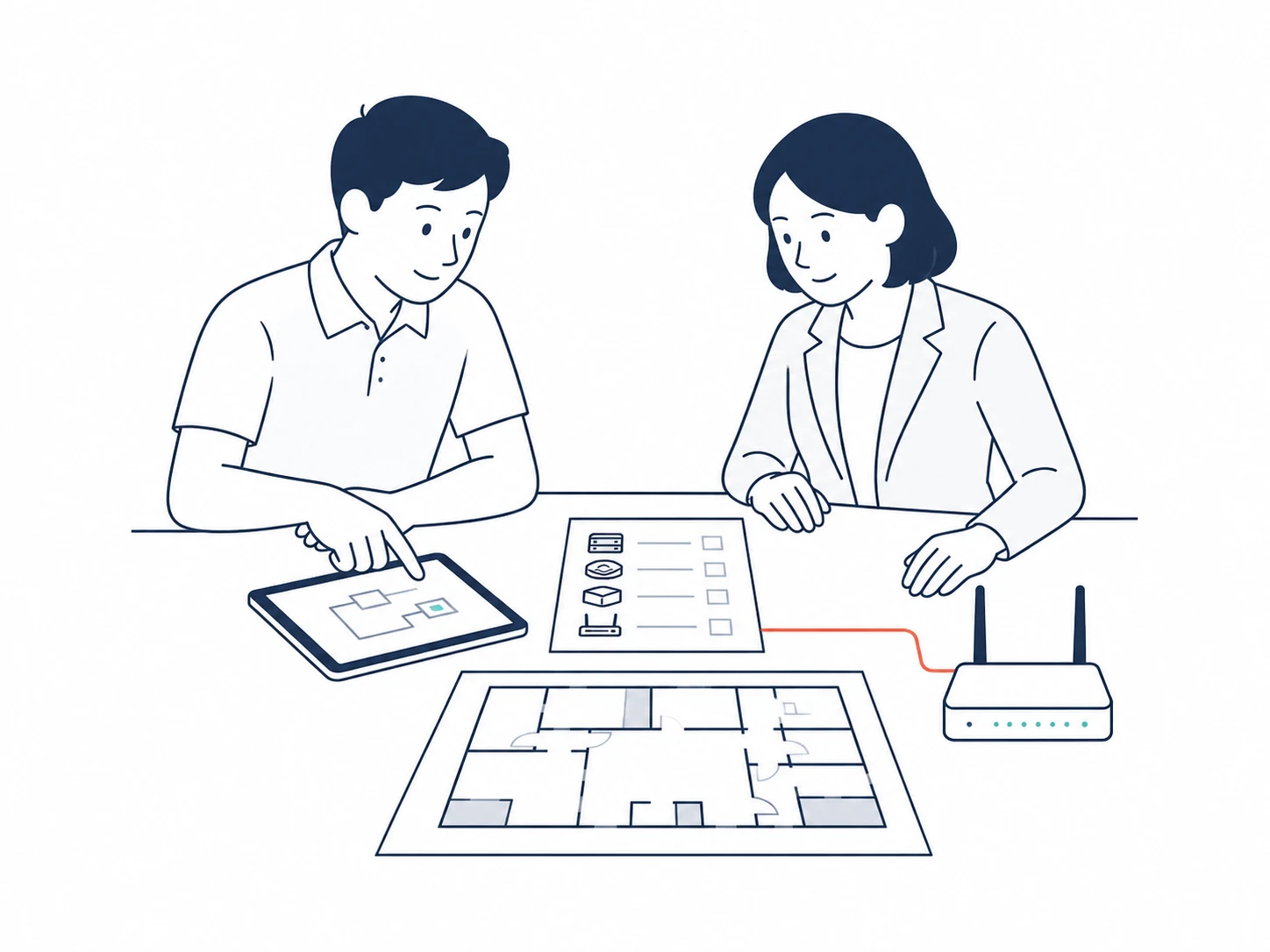
Bring the information you already have
Prepare details of the selected teaching tools, existing network or technical requirements, and list the issues you most want to solve.
02
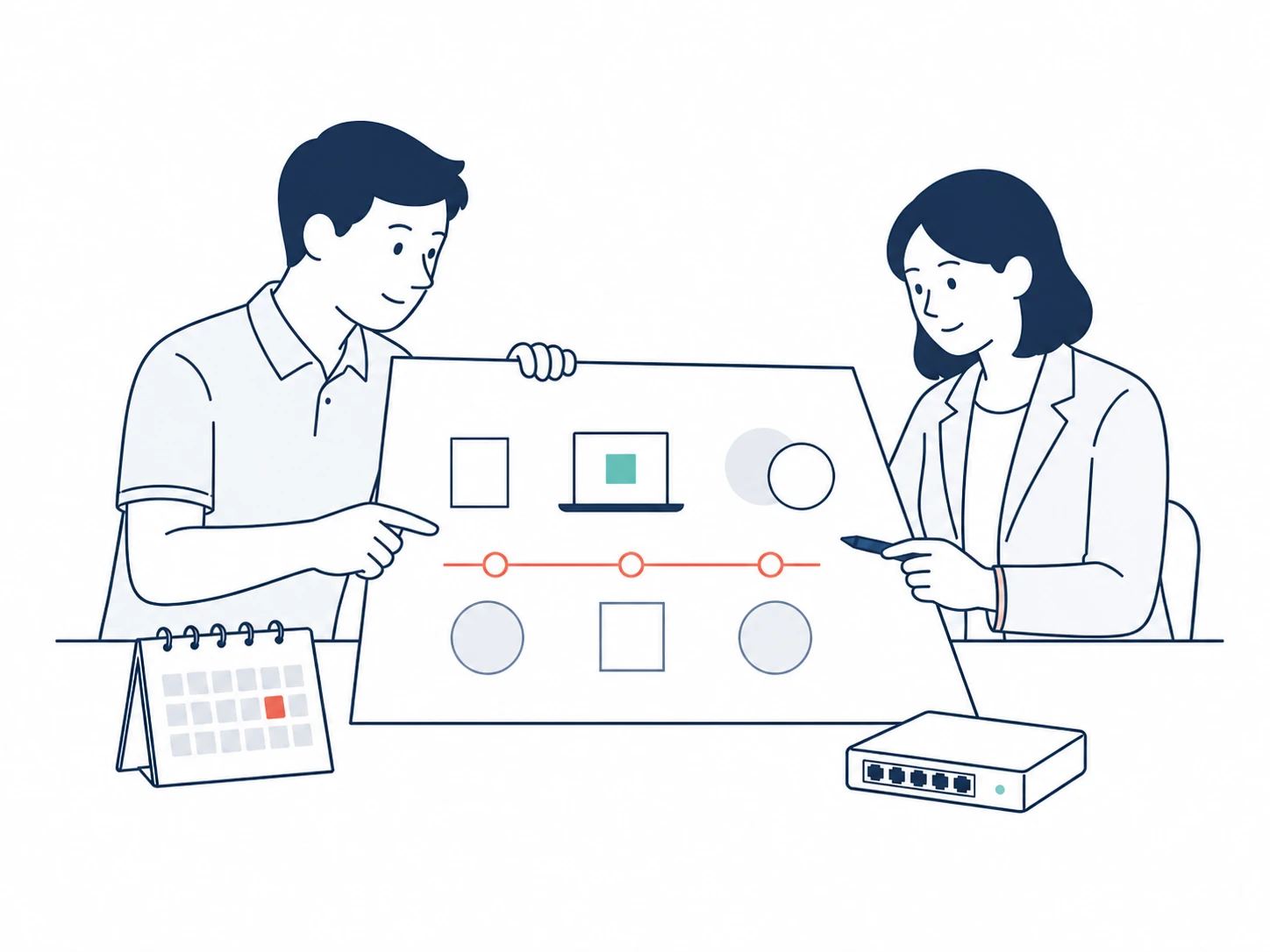
Define the work and timeline
Together, we confirm what needs to be installed or configured, how it will be tested, and the working dates. AlphGa will prepare a quotation based on this information.
03
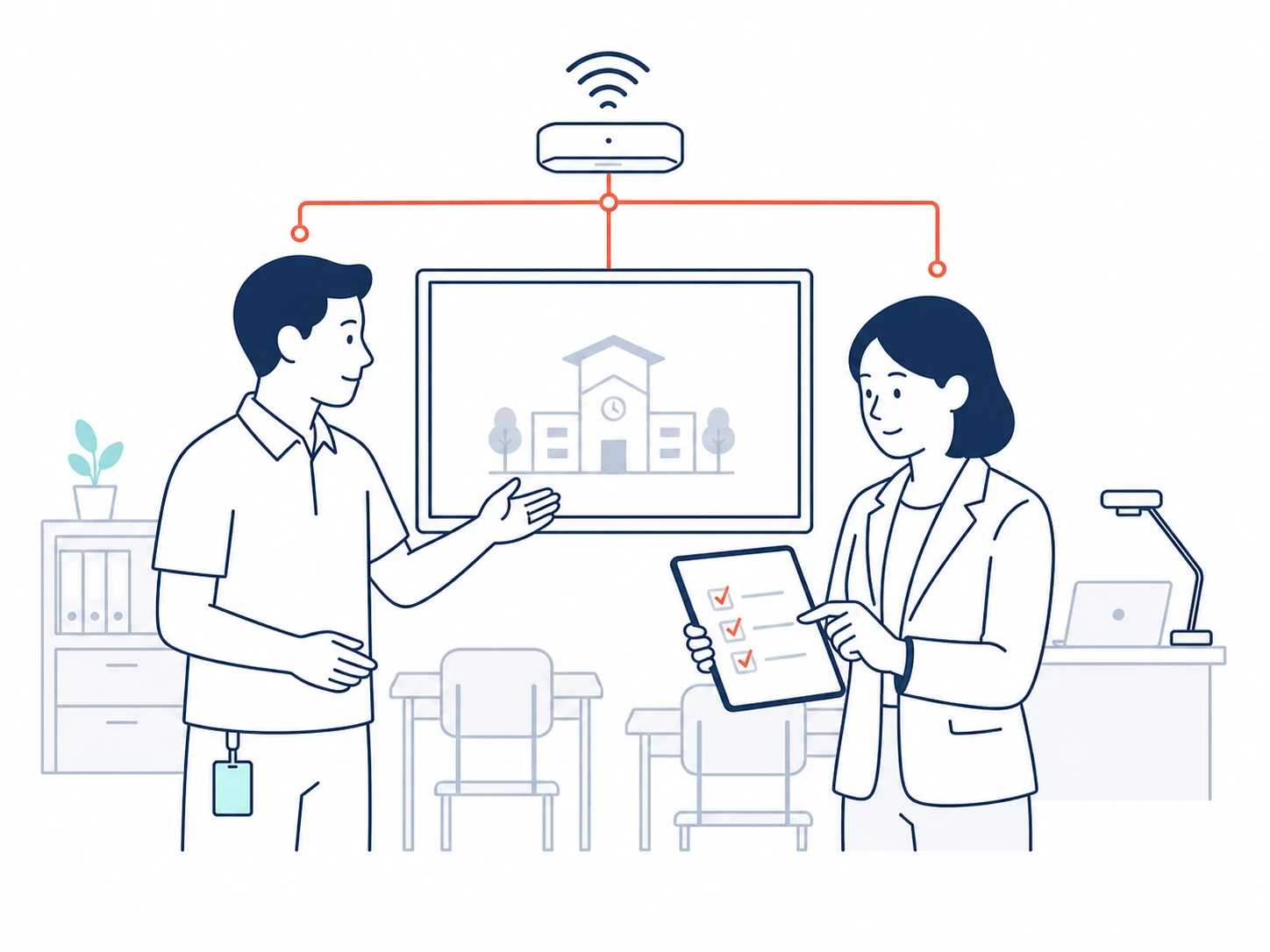
School testing and project handover
After installation, designated school staff try the relevant functions. If any issues are found, AlphGa will explain the follow-up actions before handover.
FREQUENTLY ASKED QUESTIONS
Six questions schools often ask
Which service should our school start with?
If you already have teaching tools selected, start with Solution Deployment. For Wi-Fi improvements or network tender preparation, see Campus Network. Account, software and device issues fall under day-to-day School IT Support.
Can we talk before the solution is fully decided?
Yes. Bring your teaching goals, existing equipment and the tools you are considering. We can start with what installation and day-to-day use will require on campus. If selection is still in progress, simply tell us the current options and questions.
Is the Campus Network service only for Wi-Fi?
No. The service can include network planning, technical specifications, tender documentation, on-site implementation, UAT and handover. The actual scope depends on campus size, existing equipment and procurement requirements.
Does Solution Deployment include funding applications?
AlphGa mainly supports installation, configuration, testing and handover for solutions the school has already selected. Funding applications and internal approvals remain the responsibility of the school or its designated party.
What should the school prepare first?
Start with any information on the selected solution or network project, current equipment and site conditions, target timing, and the main school contact. If some information is not yet available, you can still explain the current situation during the initial discussion.
Can we contact you separately for day-to-day IT issues?
Yes. For account, software, device or general network issues, ask about phone, remote or on-site support. Service hours and the handling approach will be confirmed when you enquire.
Tell us about your school’s current IT setup.
Book a 15–25 minute conversation to discuss a project you are planning or day-to-day IT issues. After the call, you’ll know what AlphGa can help with and what information you should prepare next.
If you already have solution documents, floor plans, equipment lists or technical requirements, mention them when you get in touch.
