
Wi-Fi 7 + AI | Built for Hong Kong Primary and Secondary Schools
Hong Kong K12 Smart Campus Network Solution
Stable, manageable and scalable — built for today’s teaching and the next 3–6 years
Powered by Wi-Fi 7 and an AI management platform, the solution supports 1:1 devices, cloud platforms, online assessments and AI-enabled classrooms — upgrading the campus network experience from “just about usable” to consistently reliable.
Wi-Fi 7
AI Management Platform
Low Latency
One-Stop Digital Transformation Services
Hong Kong K12 Smart Campus Network Solution
A Wi-Fi 7 + AI campus network designed for Hong Kong primary and secondary schools, combined with one-stop digital transformation services — so teachers can focus on teaching and students can focus on learning.
- A Wi-Fi 7 + AI campus network architecture tailored to Hong Kong primary and secondary schools
- One-stop planning and project coordination, from networking and security to renovation — with one accountable team instead of multiple vendors passing responsibility
- Make effective use of Education Bureau funding, such as CITG and TSS, with a 3–6 year upgrade roadmap
- Hands-on experience with local schools, including CYMCAC case studies, and a practical understanding of school requirements
Common Challenges in Hong Kong Schools
⚠️ Is Your School Facing These Network Problems?
Many schools deployed their first-generation Wi-Fi several years ago. As the number of devices, cloud platforms and AI tools continues to grow, legacy networks can quickly reach their limits. These situations may sound familiar:
Uneven Coverage and Wi-Fi Dead Zones
Stairwells, older wings, special-purpose rooms and playgrounds often have weak or no signal.
As soon as users leave the classroom, the connection becomes intermittent.
Congestion and Slow Speeds at Peak Times
Morning assemblies with QR-code scanning, year-wide online tests and AI-assisted lessons can all hit the network at the same time.
The whole campus can suddenly become slow and unstable, disrupting lessons and examinations.
Connections Drop While Moving Between Areas
A teacher may move from the first floor to the second while staying on Zoom or Teams, only to lose the connection and have to rejoin.
Students doing oral assessments or remote learning may also get disconnected when moving to another classroom.
Limited IT Resources Make Troubleshooting Time-Consuming
With only one or two IT staff supporting the entire school, each AP, cable and configuration may need to be checked one by one.
When an incident occurs, finding the root cause can take hours.
Legacy Systems Struggle with Modern Teaching Models
Many Wi-Fi 5/6 systems have been in service for years and were originally designed mainly for basic internet access.
Today’s 1:1 devices, blended learning and AI tools can overwhelm the network when used at the same time.
Wi-Fi 7 + AI Management
Wi-Fi 7 + AI: A Strong Foundation for the Next 3–6 Years of Teaching
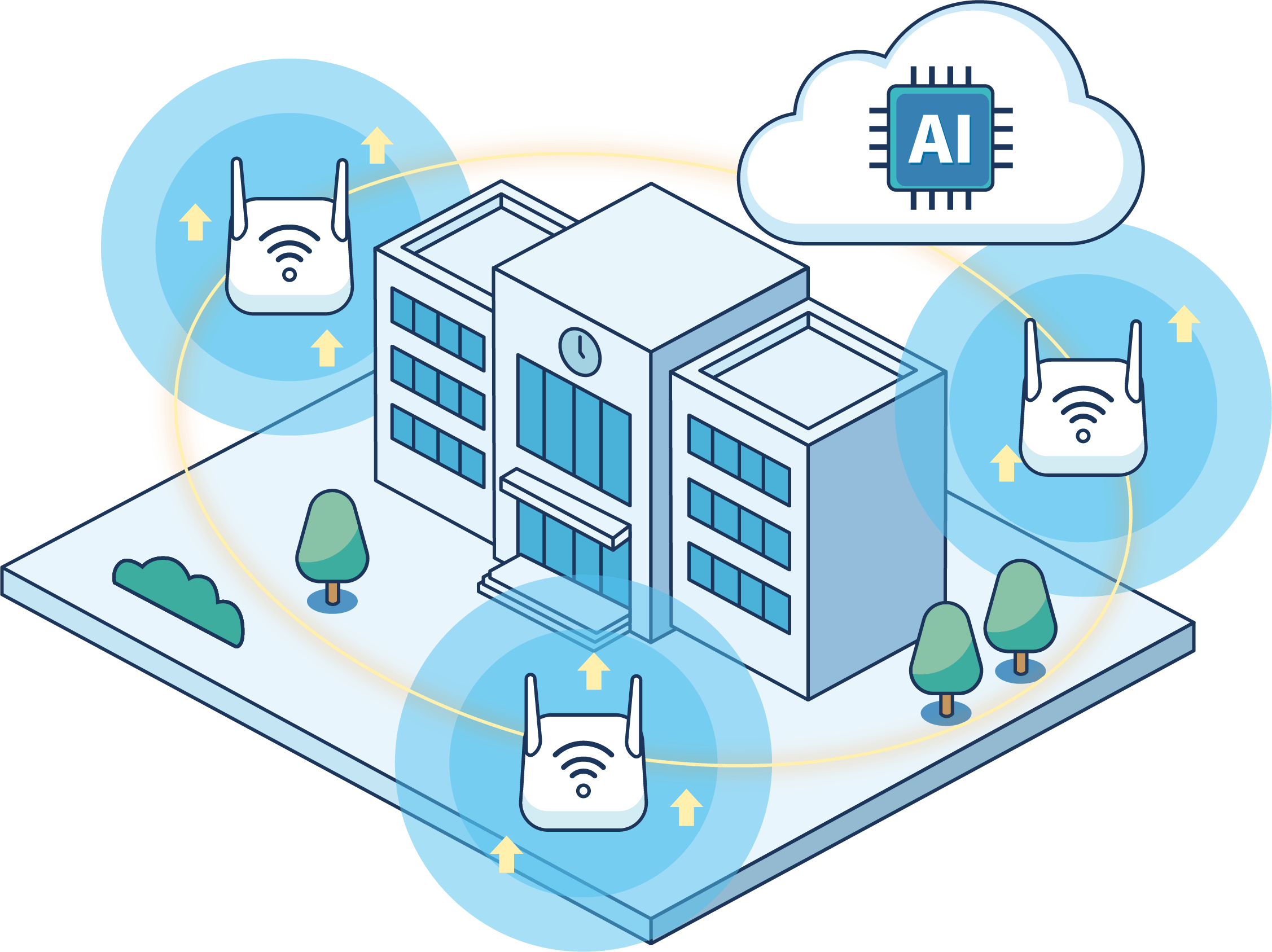
AlphGa is an authorised Ruijie distributor, specialising in Ruijie networking equipment and AI technologies. We help Hong Kong primary and secondary schools design and implement suitable Wi-Fi 7 campus network solutions covering AP placement, fibre and low-voltage infrastructure design, and cloud management. With AlphGa TSS technical support, schools gain additional support beyond their in-house IT teams while progressively building stronger technical capabilities and operational expertise on campus.
Reliable Teaching During Peak Usage
AI-Powered Diagnostics + Optimisation
Even with a small IT team, issues can be identified in seconds while critical traffic is automatically prioritised.
From one-click AI diagnostics and Network HawkEye heatmaps to AI Roaming and AI Optimization, troubleshooting can be reduced from hours to minutes, helping morning assemblies, examinations and AI-enabled lessons run reliably.
One-Click AI Diagnostics – Find Problems Tens of Times Faster
Identify the affected AP, cable or configuration issue in seconds.
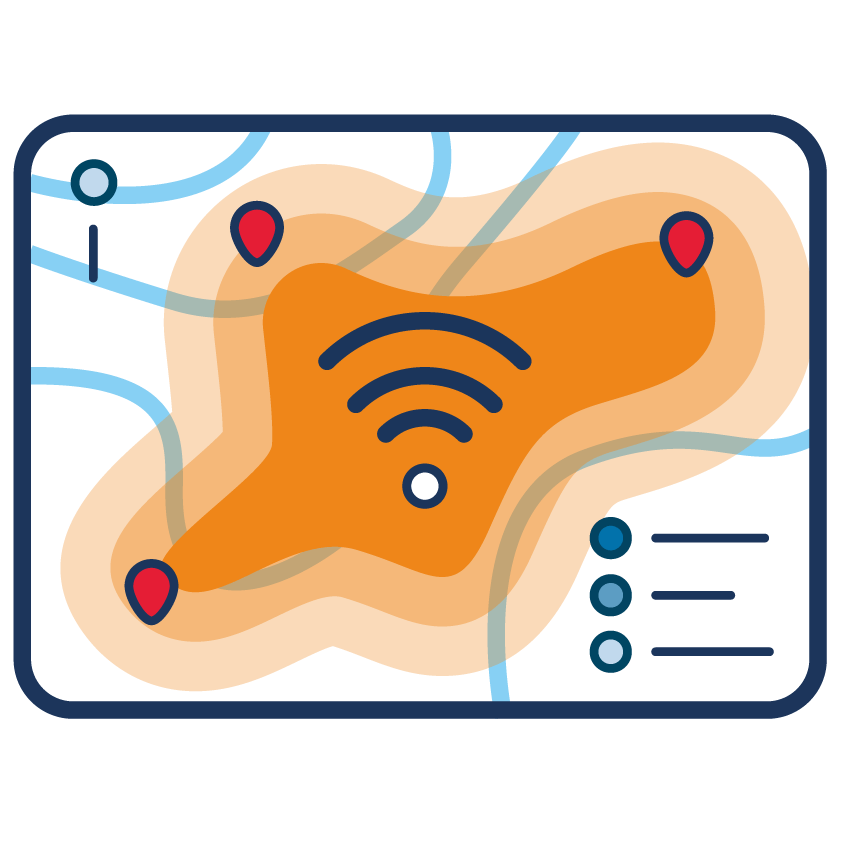
AI-Powered Network HawkEye – Campus-Wide Visibility at a Glance
Heatmaps visualise signal coverage, helping schools use data to decide where to add APs and prioritise funded upgrades.
AI Roaming – Stay Connected Wherever You Go
Roaming settings are automatically optimised, so teachers can move around campus with an iPad without losing connectivity between floors.
AI Optimization – Automatically Prioritises Critical Traffic at Peak Times
Teaching and examination traffic is prioritised automatically, while non-essential traffic yields capacity when needed.
One-Stop Smart Campus Services
More Than Wi-Fi: AlphGa’s One-Stop Services for Schools
From networking and security to platforms and renovation, one team handles planning and follow-up end to end — reducing friction and avoiding responsibility gaps between vendors.
One-Stop Planning and Project Coordination
From Networking and Security to Renovation
One team plans everything together, so there is no need for multiple vendors to pass responsibility between one another.
AlphGa can handle campus networking, security and access control, renovation coordination and IT space design as one integrated project. We also help schools make effective use of CITG and TSS funding, build a 3–6 year upgrade roadmap, and implement improvements in phases without putting excessive pressure on the budget.
4.1 Campus Network and Infrastructure Upgrades
Bring Wi-Fi, fibre, low-voltage cabling, racks and server rooms together under one coordinated upgrade.
- Design, supply and installation of Wi-Fi 7 / Wi-Fi 6E campus networks
- Fibre, low-voltage cabling, racks, and server-room design and organisation
- Wired/wireless network integration with essential network security configuration

4.2 Digital Learning and AI Adoption Planning
Plan network capacity around your school’s teaching model to support reliable AI adoption.
- Assess network capacity requirements for e-Learning, 1:1 devices and blended learning
- Support integration with platforms such as Google Workspace, Microsoft 365 and LMS solutions
- Clarify bandwidth, security and policy considerations for AI tools
4.3 Campus Security and Access Control Automation
Plan access control, attendance, CCTV and networking together instead of as separate systems.
- Access control, attendance, CCTV, intercoms and automatic doors
- Security systems × network × server-room security: unified design and governance
- Support for accessible entry and smart visitor-management workflows
4.4 IT-Integrated Campus Space and Renovation Design
Reserve AP locations, power and conduits during the renovation stage to avoid reopening walls later.
- Renovation planning for classrooms, STEM / Maker Rooms and offices
- AP locations, power, conduits and equipment placement planned into the design drawings
- Reduce rework: lower cost, save time and minimise disruption
Case Study
School Case Study: From Frequent Dropouts to a Stable, Manageable Network
CYMCA Secondary School
Campus-Wide Wi-Fi Upgrade + AI Management Platform
Student population: approx. 900–1,000
A local secondary school had Wi-Fi coverage of only about 70%. The playground and special-purpose rooms frequently had no signal, leaving the IT team constantly firefighting connectivity issues.
Challenges
- Multiple Wi-Fi dead zones across campus, with special-purpose rooms and outdoor activities often left without connectivity.
- Network performance slowed significantly at peak times, affecting online assessments and blended learning.
- Limited IT resources made troubleshooting extremely time-consuming.
Our Solution
- Redesigned AP placement and deployed Ruijie Wi-Fi 7 equipment.
- Enabled the AI management platform with one-click AI diagnostics and Network HawkEye.
- Added AlphGa TSS technical support and regular health checks.

Results
Network Diagnostic Time
From 2–3 hours ➝ under 10 minutes in most cases
Coverage
From approx. 70% ➝ over 98% of the campus
Peak-Time Incidents
From 8–10 per month ➝ 0–1 per month
Why Choose AlphGa
Why Are More Schools Choosing AlphGa?
We do more than install equipment. We work from the school’s perspective to build a sustainable, manageable and scalable campus network.
An IT Team That Understands School Operations
We understand timetables, examination schedules and peak usage patterns. Our recommendations go beyond technical specifications and are grounded in how schools actually operate.

One Team Across Multiple Disciplines
Networking, security, renovation and training are planned and coordinated by the same team, with a single point of contact when issues arise.
Technical Support (TSS)
Urgent issues can be handled through immediate remote support, with on-site service arranged when required — so school IT staff are not left to handle every emergency alone.

Funding-Aligned, Long-Term Planning
We help schools make effective use of CITG and TSS to build a 3–6 year roadmap, with ongoing support throughout the journey.
FAQ
Frequently Asked Questions
Want a clearer direction quickly? Skip to the booking section below and spend 30 minutes with us reviewing your school’s situation.
A: Many school networks appear to be “still usable”, but latency and error rates can be high during peak periods, with teachers simply working around the problems. An upgrade is not about chasing the latest technology; it is about providing stable support for AI-enabled teaching and online assessments over the next 3–6 years.
A: We carry out the work in phases outside teaching hours and around assessment and examination schedules, while keeping the existing system running wherever possible. This helps ensure that critical teaching activities are not interrupted by the upgrade.
A: Equipment and platforms are configured in line with Hong Kong PDPO requirements, with encryption, access controls and regular security checks. Network HawkEye focuses on network performance data and does not monitor which websites individual students visit.
A: Based on your school’s situation, we can assist with proposals, technical specifications and budget schedules that align with funding requirements, and phase the overall upgrade over one to three years, starting with the most urgent areas that have the greatest impact on teaching.
A: For most teachers, the main difference is simply that “the Wi-Fi works better”; no new operating procedures are required. IT staff receive straightforward training on AI reports and dashboards, with advanced training available when needed.
Understand Your School’s Needs in 30 Minutes
Book a Consultation
If you are considering a campus network upgrade, introducing AI teaching tools, or planning a new school wing or major renovation, book a conversation with the AlphGa team. In around 30 minutes, we will review your school’s current situation, sketch out a practical 3–6 year roadmap, and explore how available funding can be used effectively.
What You’ll Receive:
Quick Health Check (Current State + Pain Points)
Get a clear initial view of where coverage, capacity, roaming and troubleshooting processes are creating the biggest bottlenecks.
3–6 Year Roadmap Outline
Prioritise from the most urgent to the highest-value improvements and implement them in phases to avoid excessive upfront spending.
Funding Alignment (CITG/TSS)
Where needed, we can structure technical specifications and budget frameworks around relevant funding requirements.
Book a Consultation
Understand Your School’s Needs in 30 Minutes
