Computer down or Microsoft services acting up? One team handles it all.
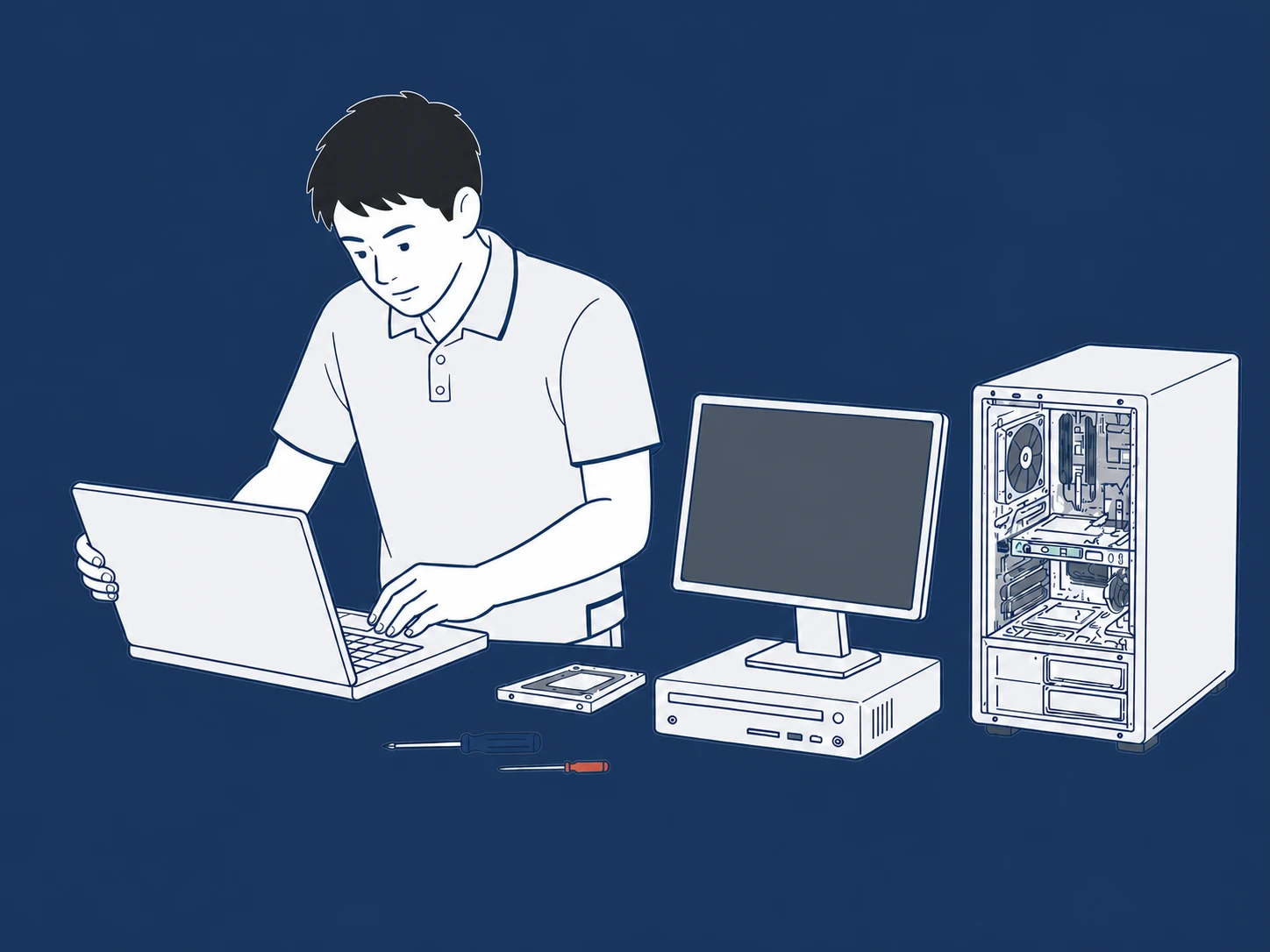
AlphGa supports the computers and Microsoft environments that schools and businesses rely on every day. If HP, ASUS, Lenovo or other business devices fail—or Microsoft 365, Outlook, Exchange Server or Windows Server develops an issue—send us the details and we’ll investigate.
Not sure whether it’s software or hardware? That’s fine. The device details and what you’re seeing are usually enough for us to know where to start.
SOFTWARE / SOFTWARE SUPPORT
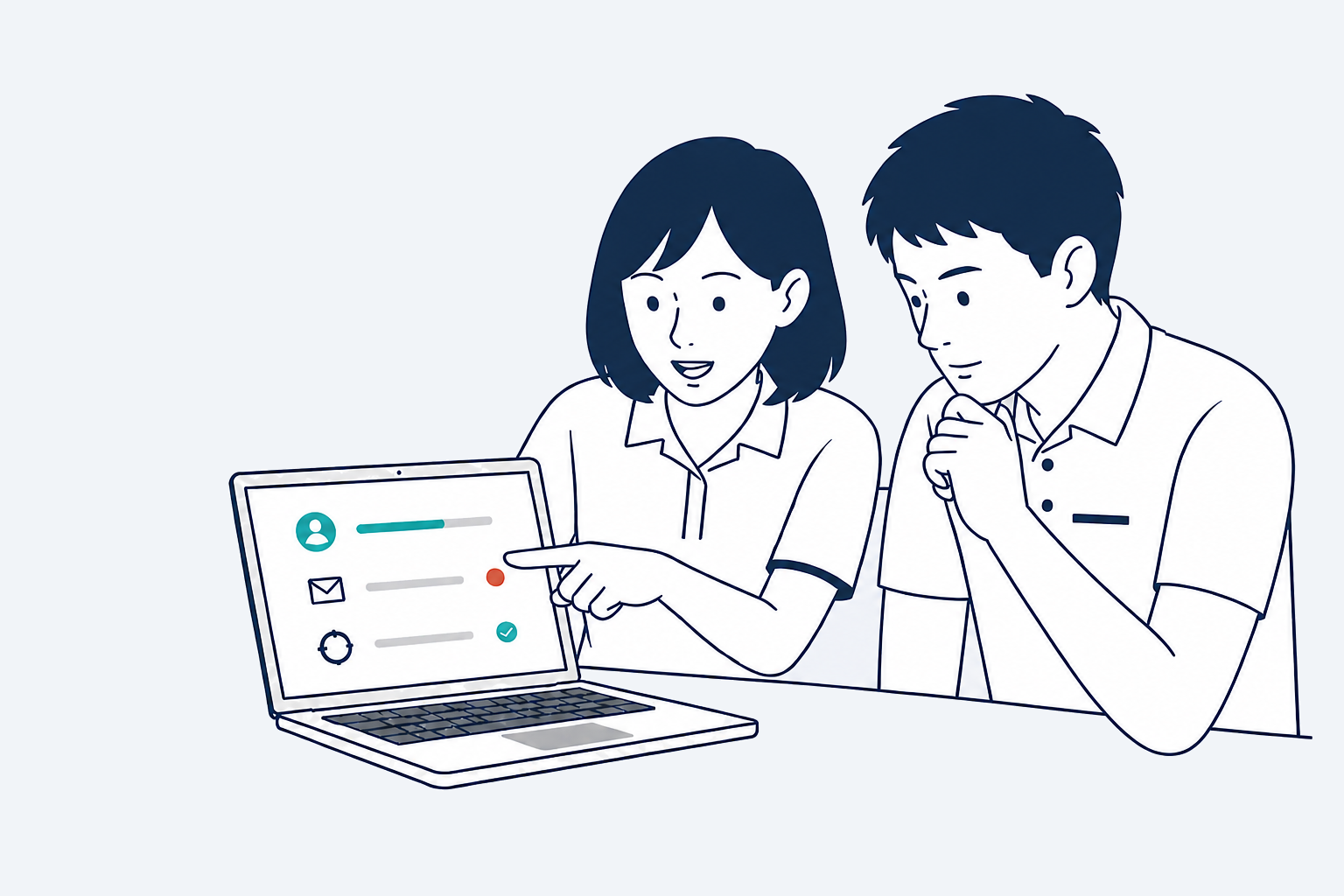
Can’t sign in, email not arriving, or sync stopped working?
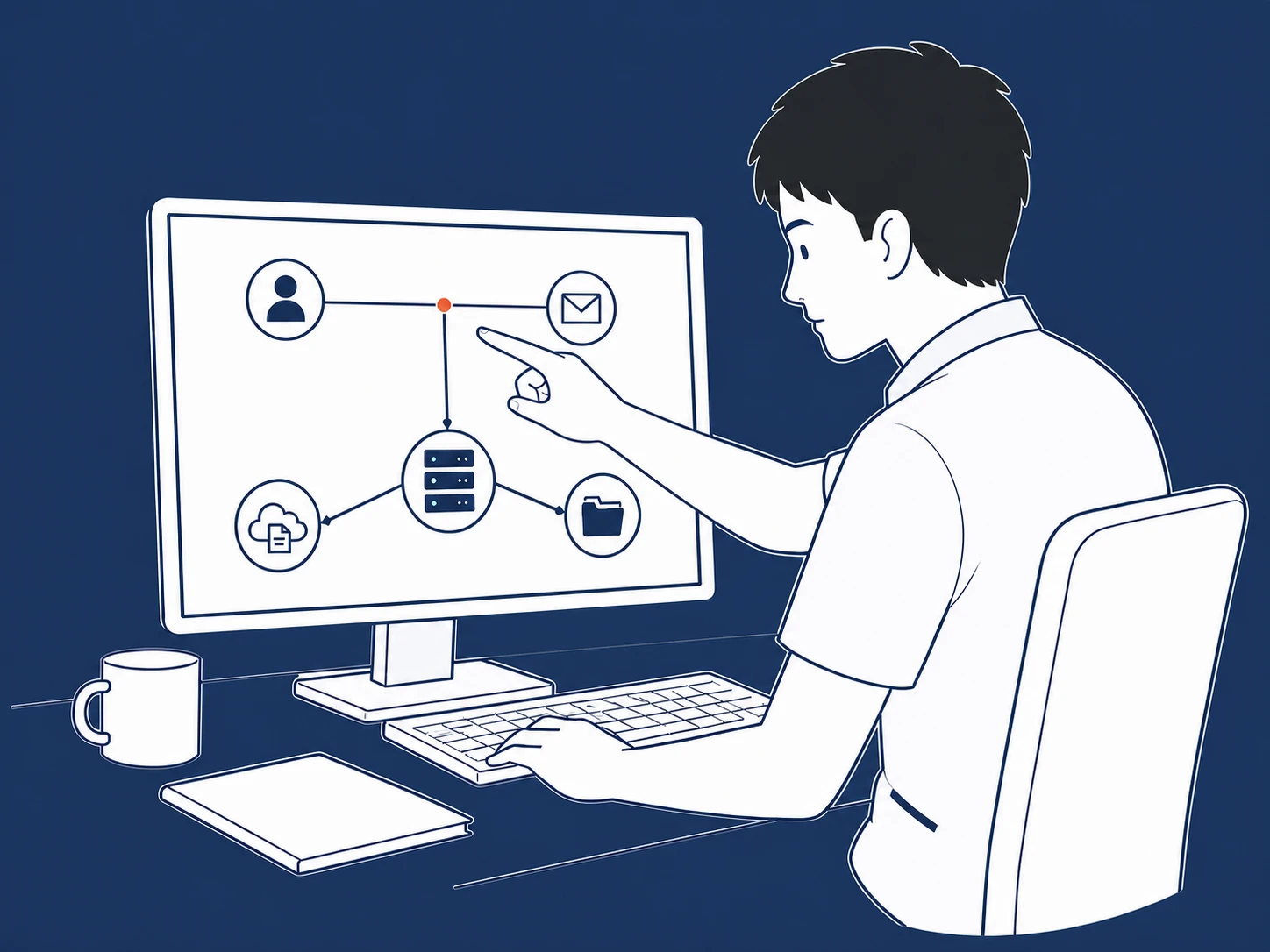
If Microsoft 365, Outlook, Exchange, Windows Server, Teams, OneDrive or SharePoint is not working as expected, send us the product version and screenshots and we’ll investigate.
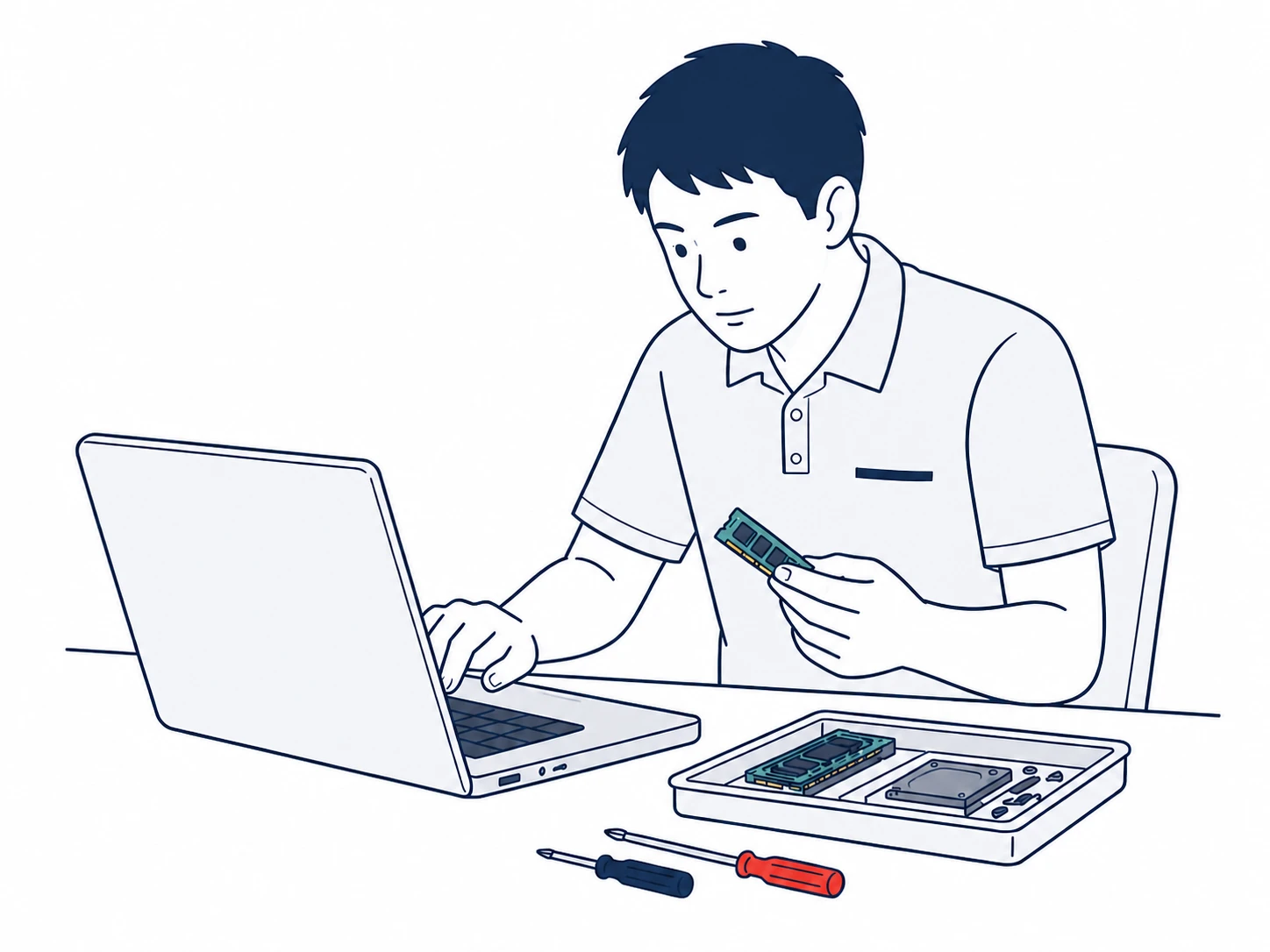
Won’t start, keeps restarting, or has become noticeably slow?
Out-of-warranty business computers from HP, ASUS, Lenovo, Dell, Acer and other brands may still be worth repairing. Send us the brand, model and symptoms, and we’ll assess the parts and repair work required.
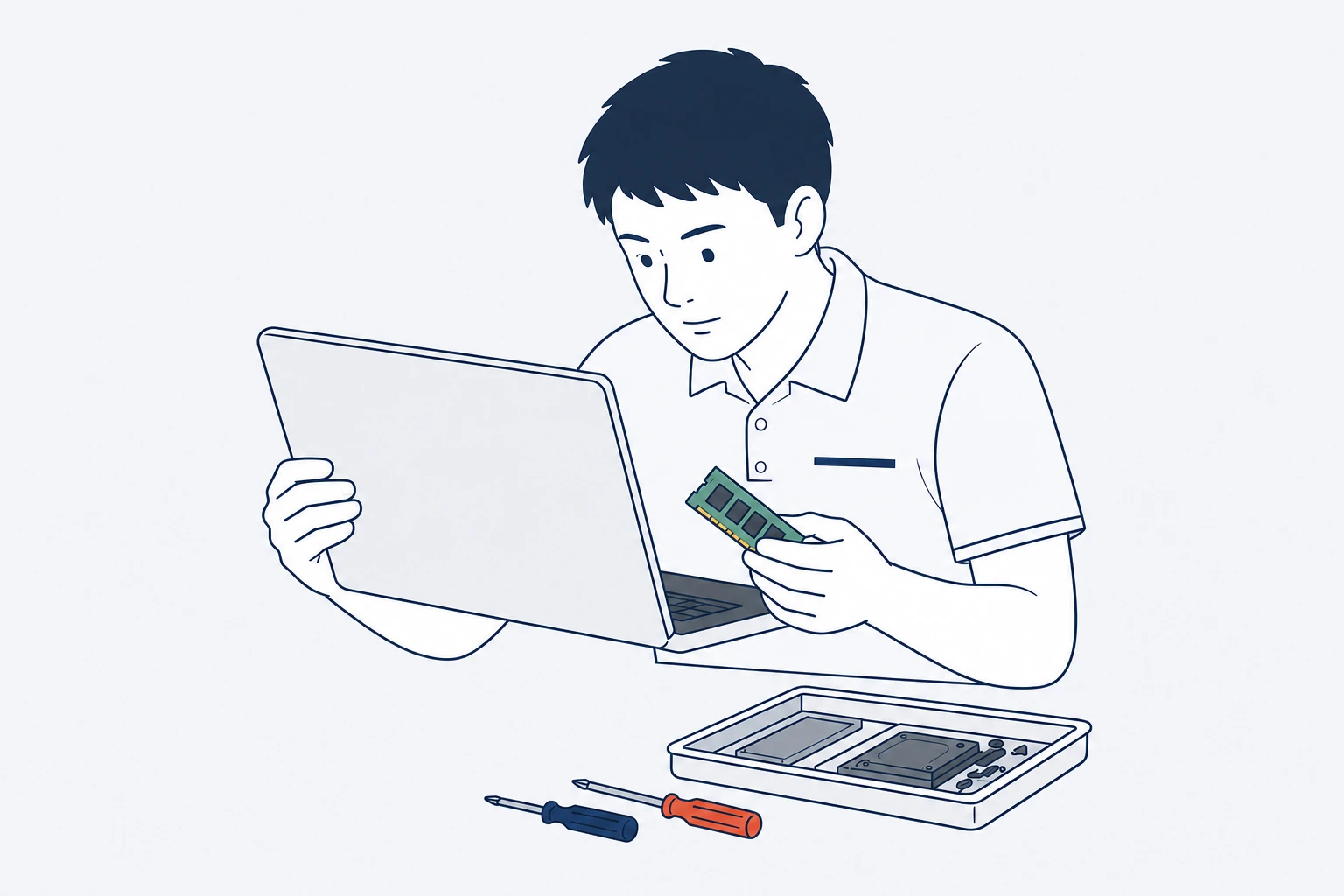
If the computer still meets your needs and only one component has failed, a one-off third-party repair can be more practical than replacing the whole device.
Keep It Running After Warranty
If the device is out of warranty or your company no longer has a manufacturer service contract, we can assess whether the fault is still worth repairing.
Repair What’s Needed Now
Each case is quoted based on the brand, model, fault and work required—no annual maintenance contract needed.
Source Compatible Parts
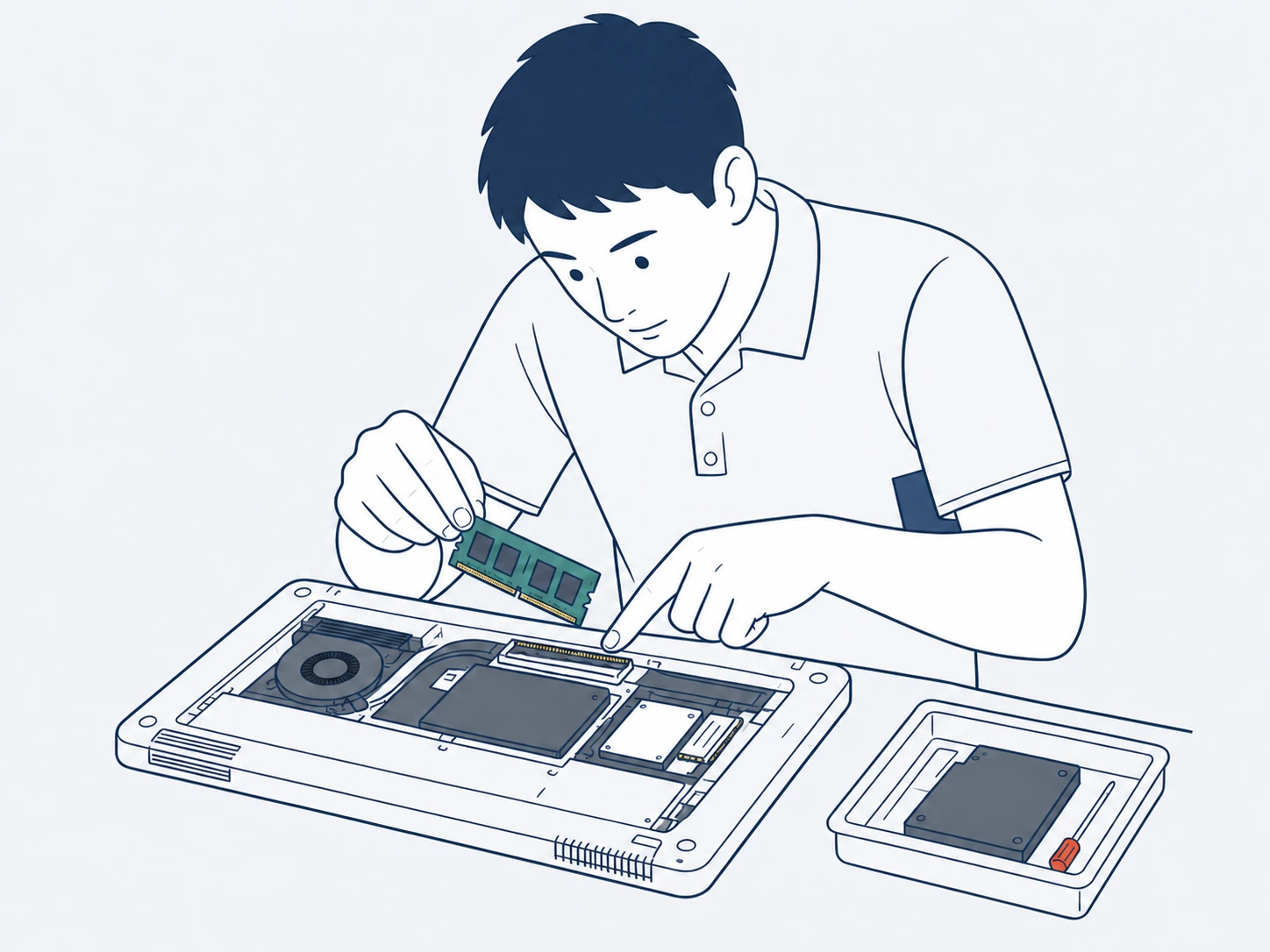
We source compatible components by model so equipment that still has useful life can stay in service.
HOW / SERVICE PROCESS
What happens after you request support?
The brand, model and symptoms are enough for us to start assessing the issue. For hardware cases, we can also check parts availability at the same time.
01
Send Us the Details
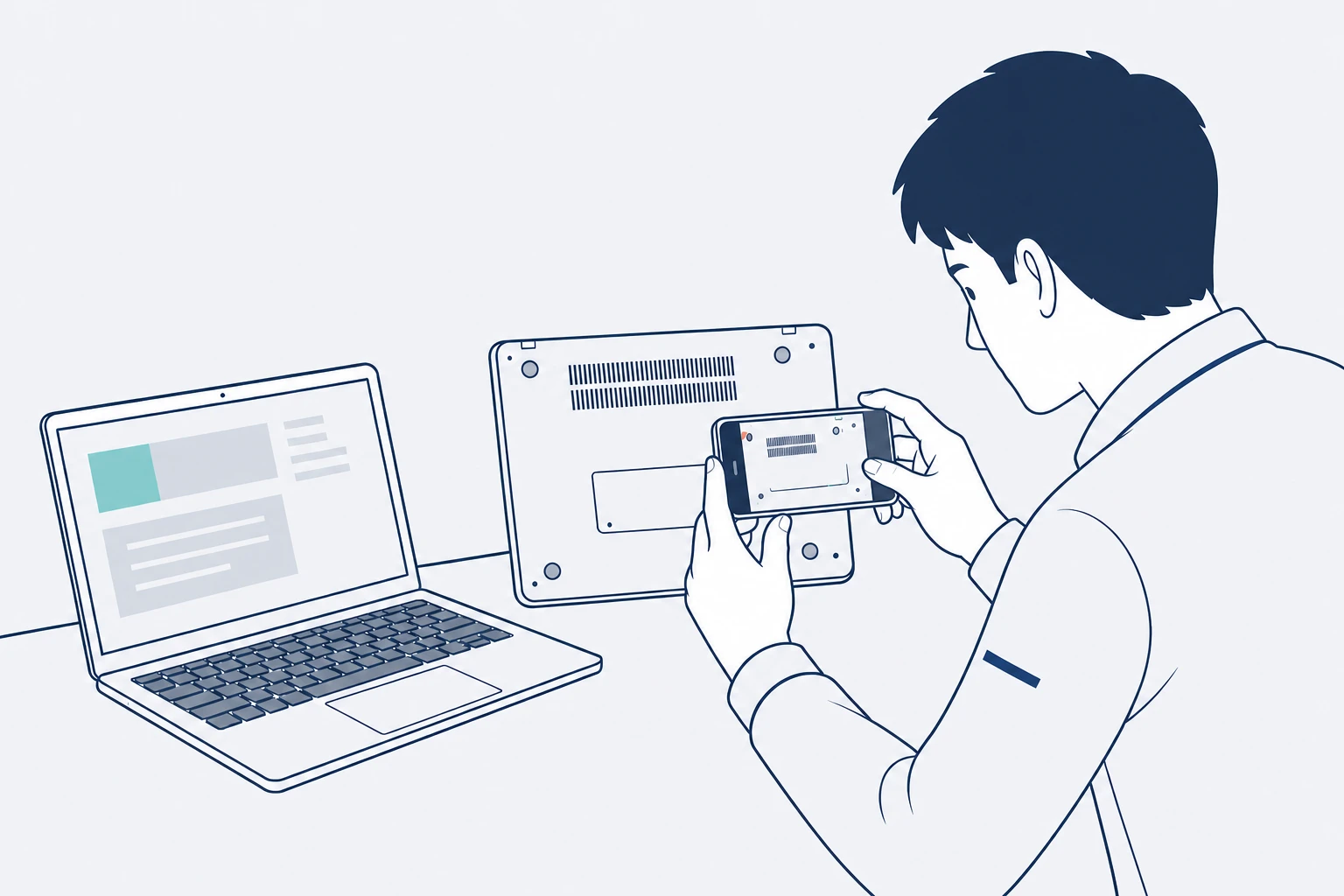
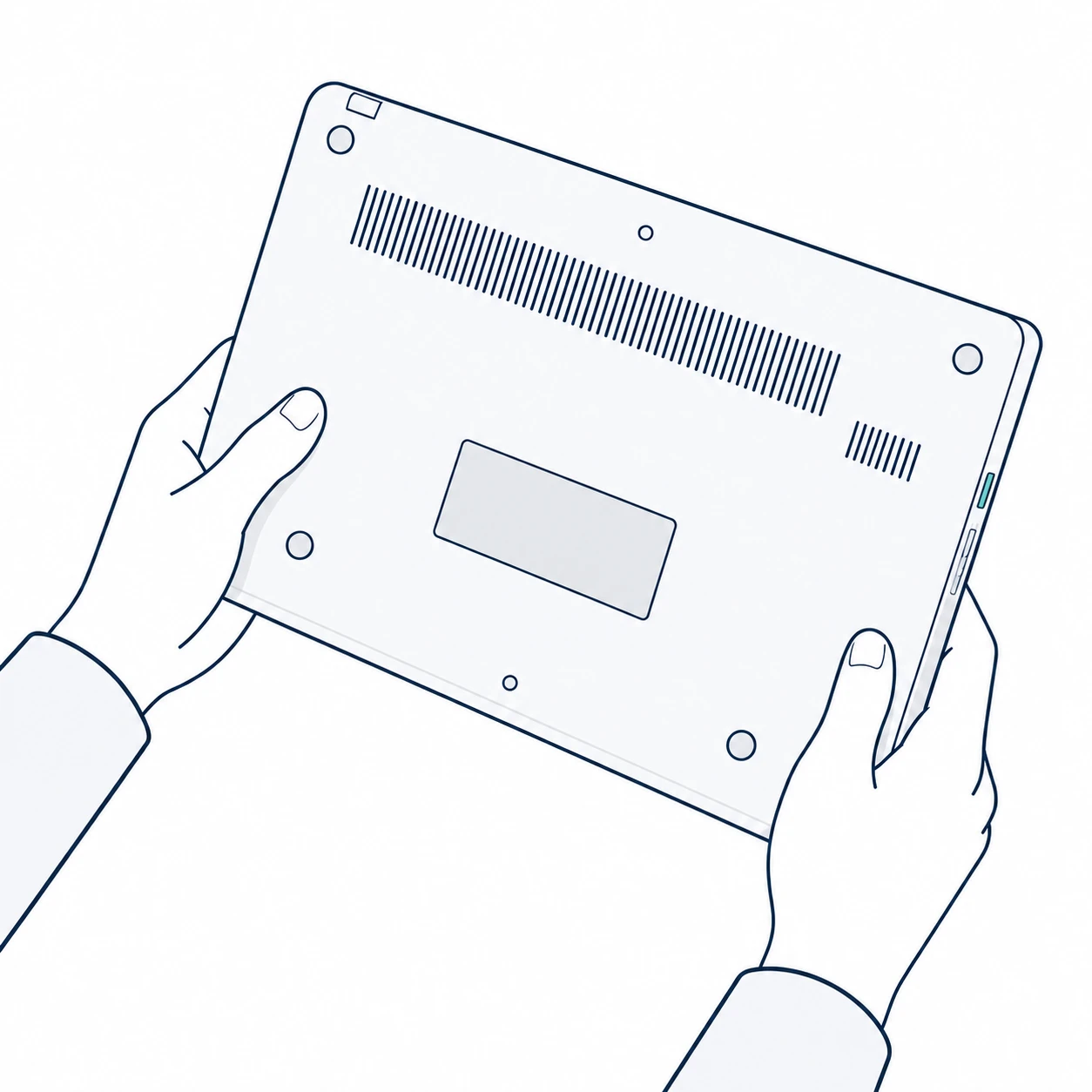
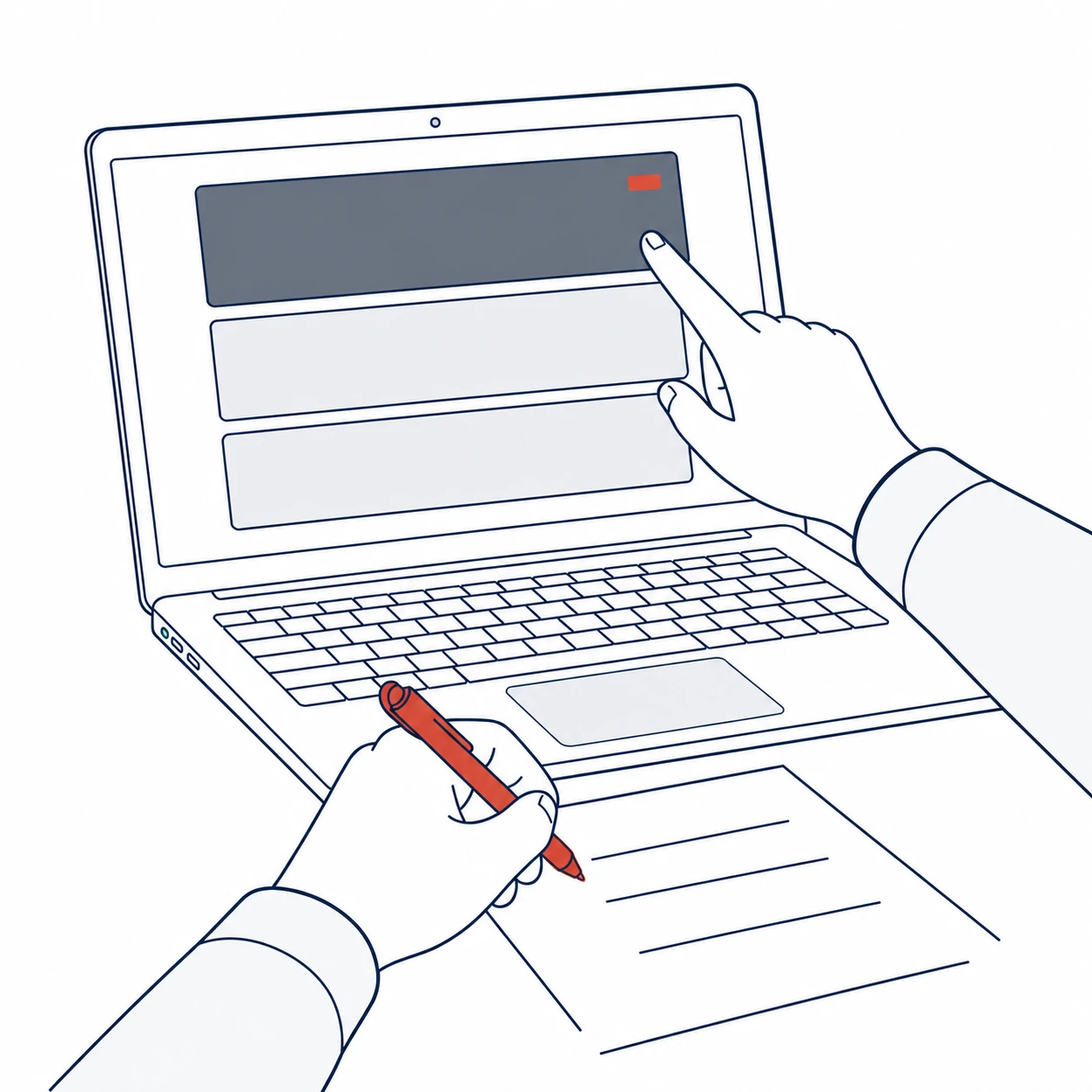
For hardware, include the brand, model and photos of the fault. For software, include the product name, version and screenshots of the issue.
02
Identify the Source of the Fault
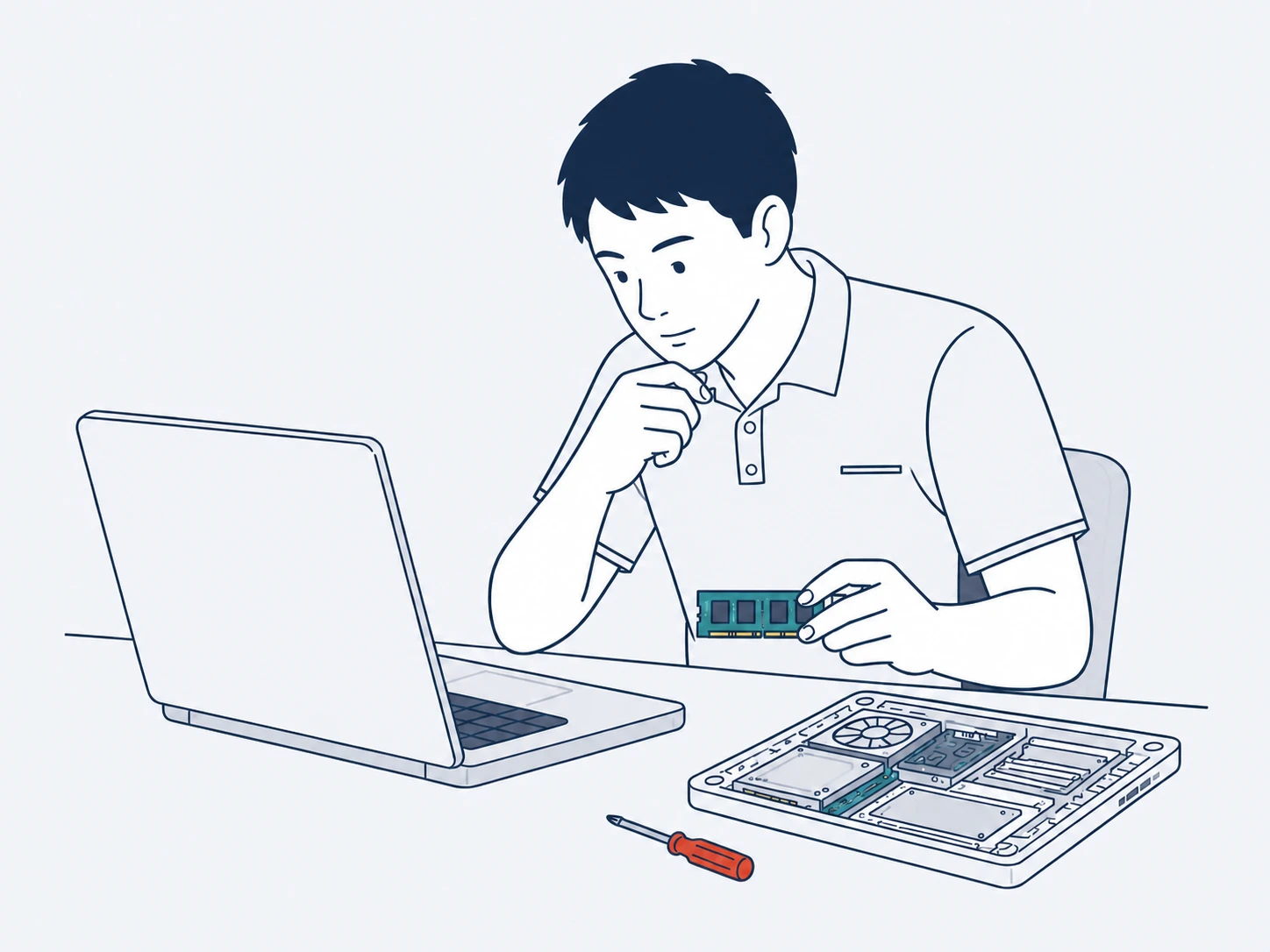
Screenshots, sounds and device behaviour help us determine whether the issue comes from software settings, system services or a hardware component.
03
Check Parts and Provide a Quote
For software support, we’ll outline the items that need attention. For hardware repairs, we’ll source parts by model and provide the cost.
04
Test After Repair
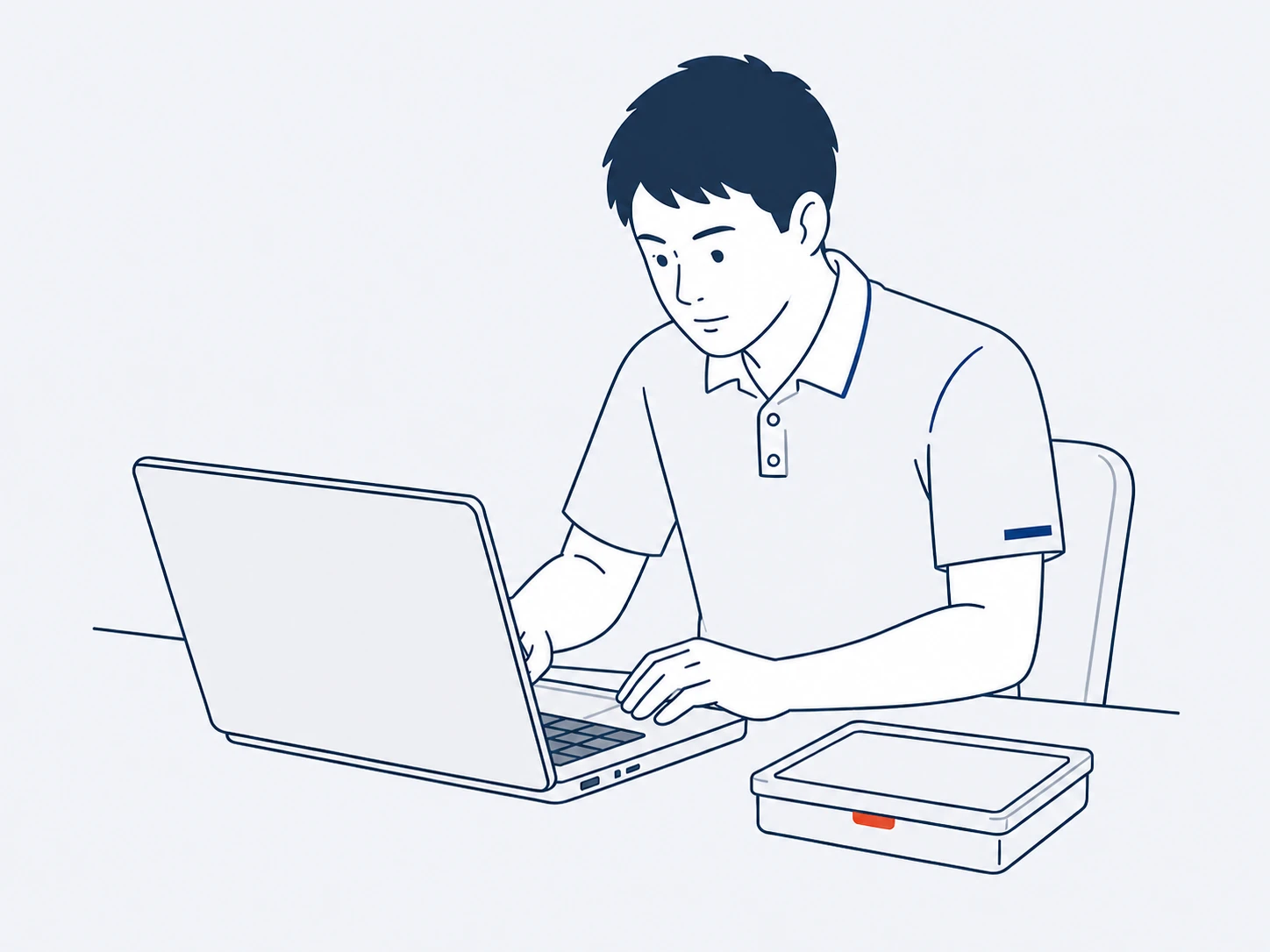
Once the work is complete, we’ll test the relevant functions and let you know anything to watch for in day-to-day use.
COVERAGE / COMMON BRANDS & SERVICES
The brands and systems you use are probably covered.
Whether it’s an office computer that keeps crashing, Outlook not receiving mail, a Microsoft 365 sign-in failure or a server issue, AlphGa can take over the troubleshooting.
Business Computers & Devices
HPASUSLenovoDellAcer
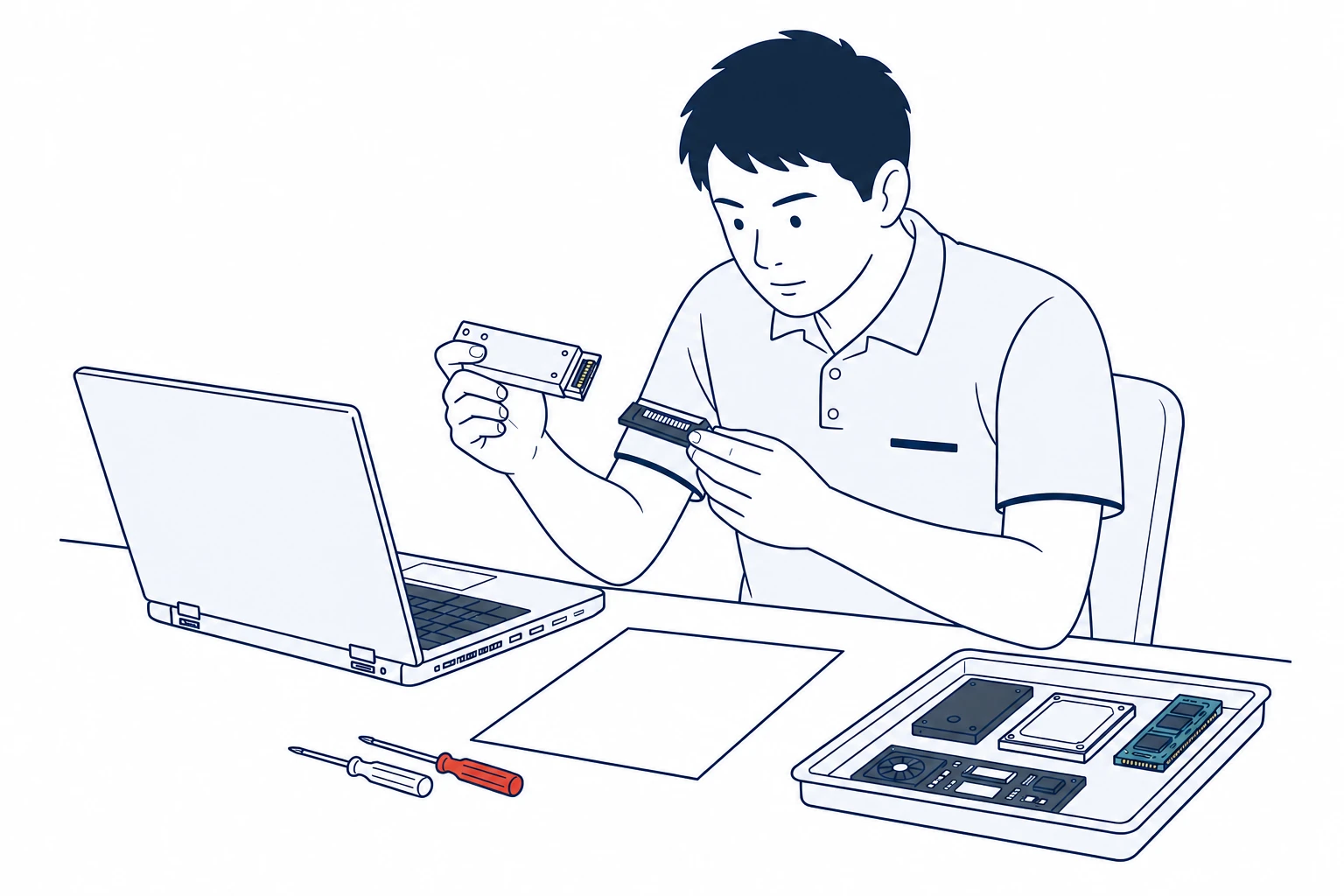
Desktop PCs, laptops and workstations with startup, power, storage, memory, cooling or component faults can be inspected and repaired based on brand and model.
Microsoft 365OutlookExchange OnlineExchange ServerWindowsWindows ServerTeamsOneDriveSharePoint
For sign-in, email, sync, update, permission or connectivity errors, we’ll check the client device, cloud services and server environment to locate the fault and help restore normal operation.
Not always. Parts availability depends on the brand, model and age of the device. If a compatible component is available, the quote will list the part and repair work required.
AlphGa provides third-party maintenance for schools and businesses with out-of-warranty equipment or those no longer using manufacturer support. If the device is still under the manufacturer’s warranty, we recommend checking the warranty terms first.
Quotes are based on the device model, fault, required parts and repair work. Costs vary by model and issue.
Send us the brand, model and a photo or screenshot of the issue.
For hardware, photograph the model and the affected area. For software, include the product name, version and screenshots of the issue. After reviewing the details, our team will confirm what we can support.